Particle Flow basics · teacher checkpoints
已查看全片 84 张、约每 20 秒一张的画面,并对下列 12 个时点读取原分辨率截图。它覆盖操作顺序,但不是逐帧审阅。老师会来回试参数,下面按时间记录,不把不同试验的值拼成一个所谓最终版本。
Do it in this order
- Create → Geometry → Particle Systems → PF Source。在视口拖出发射器,并拖动时间滑块看粒子。
- 按 6 打开 Particle View。上面的 PF Source 接到 Event;Render 在 Source,Birth / Position / Speed / Rotation / Shape / Display 在 Event。
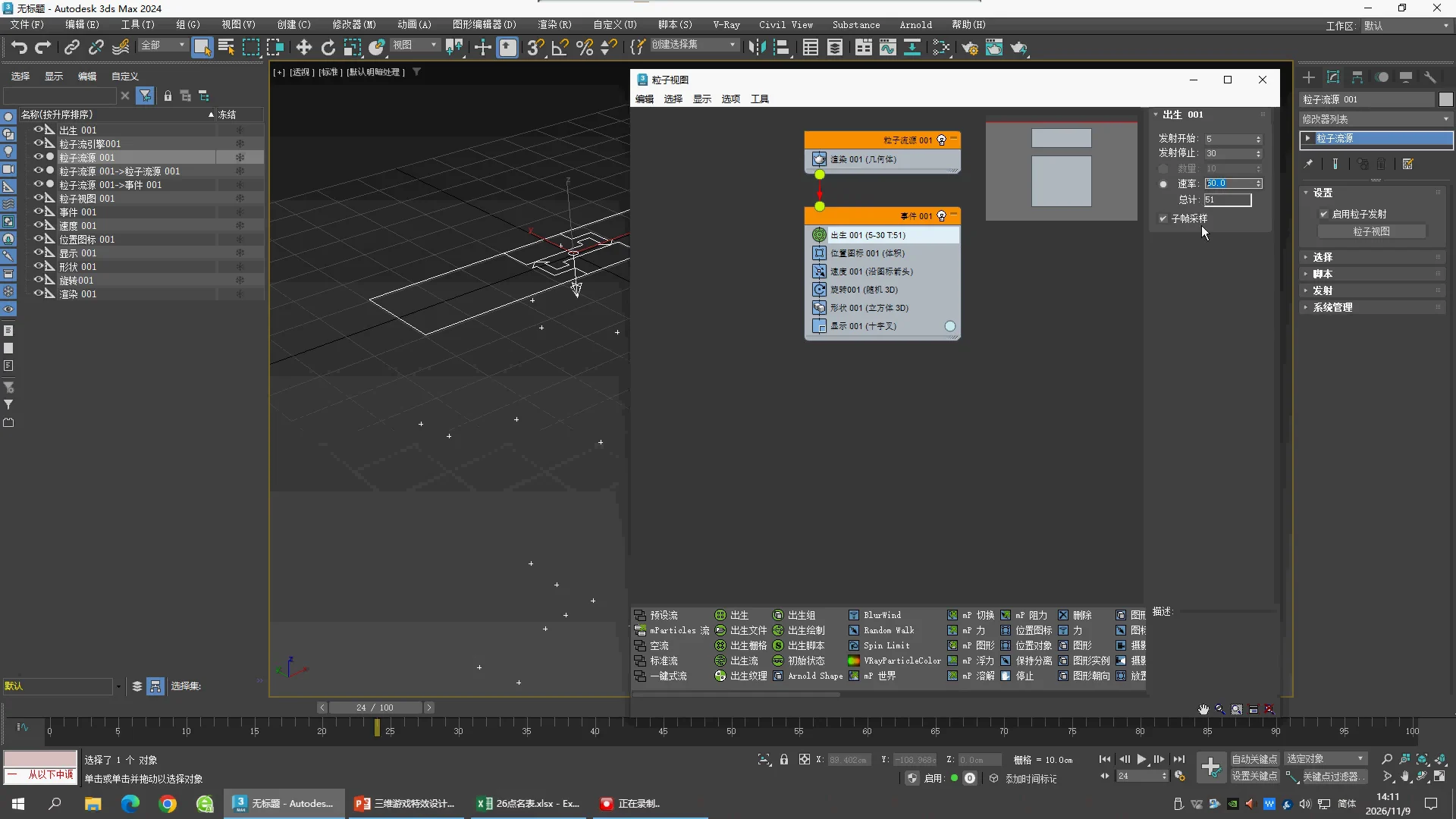
- 选择 Birth,比较 Amount 与 Rate。Amount 是这段时间总共生多少个;Rate 是按时间持续发射的速率。
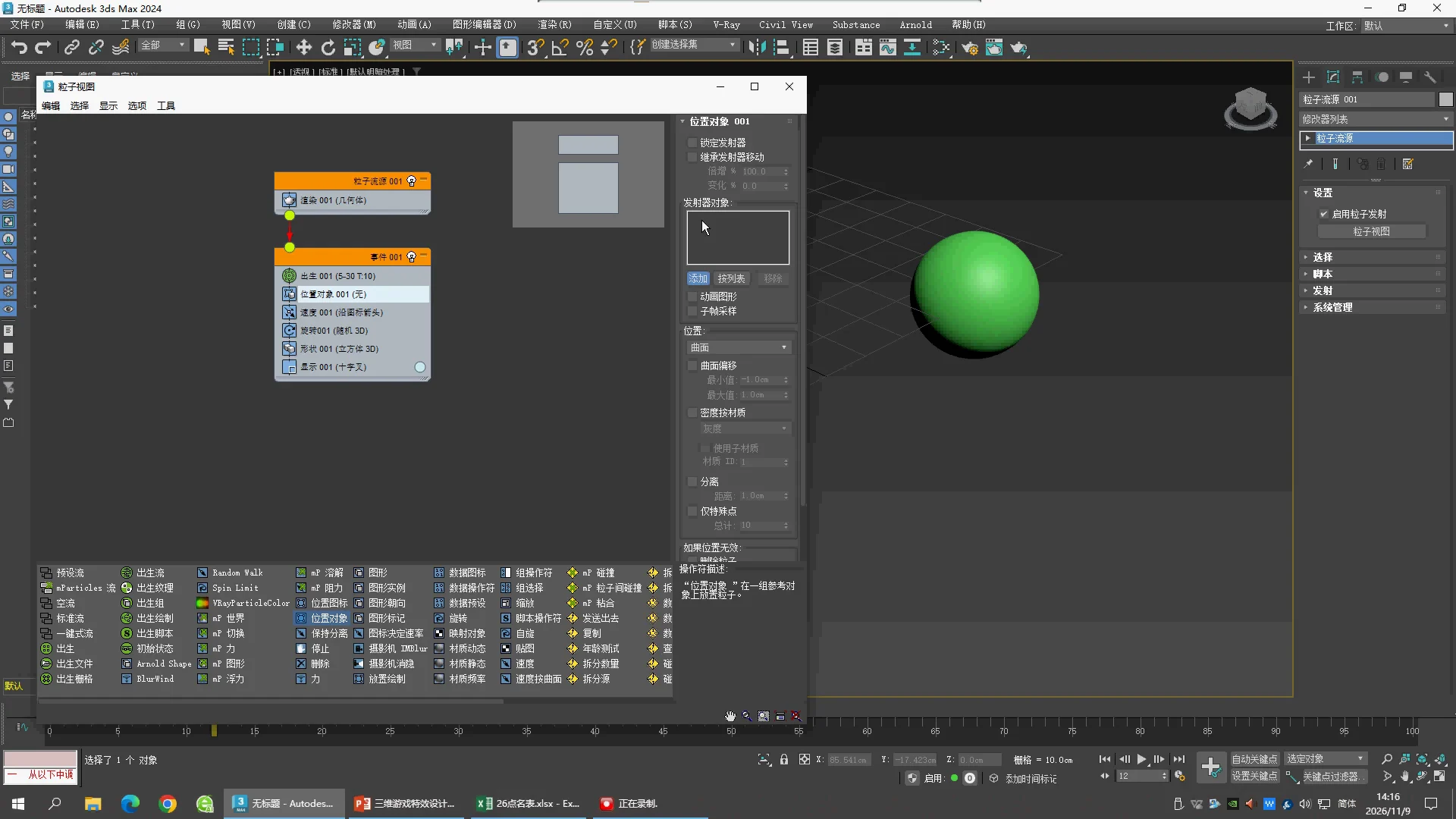
- 创建 GeoSphere。把 Position Icon 换成 Position Object,Add 选择 GeoSphere001。它控制出生位置,不会自动把每颗粒子变成这个球。
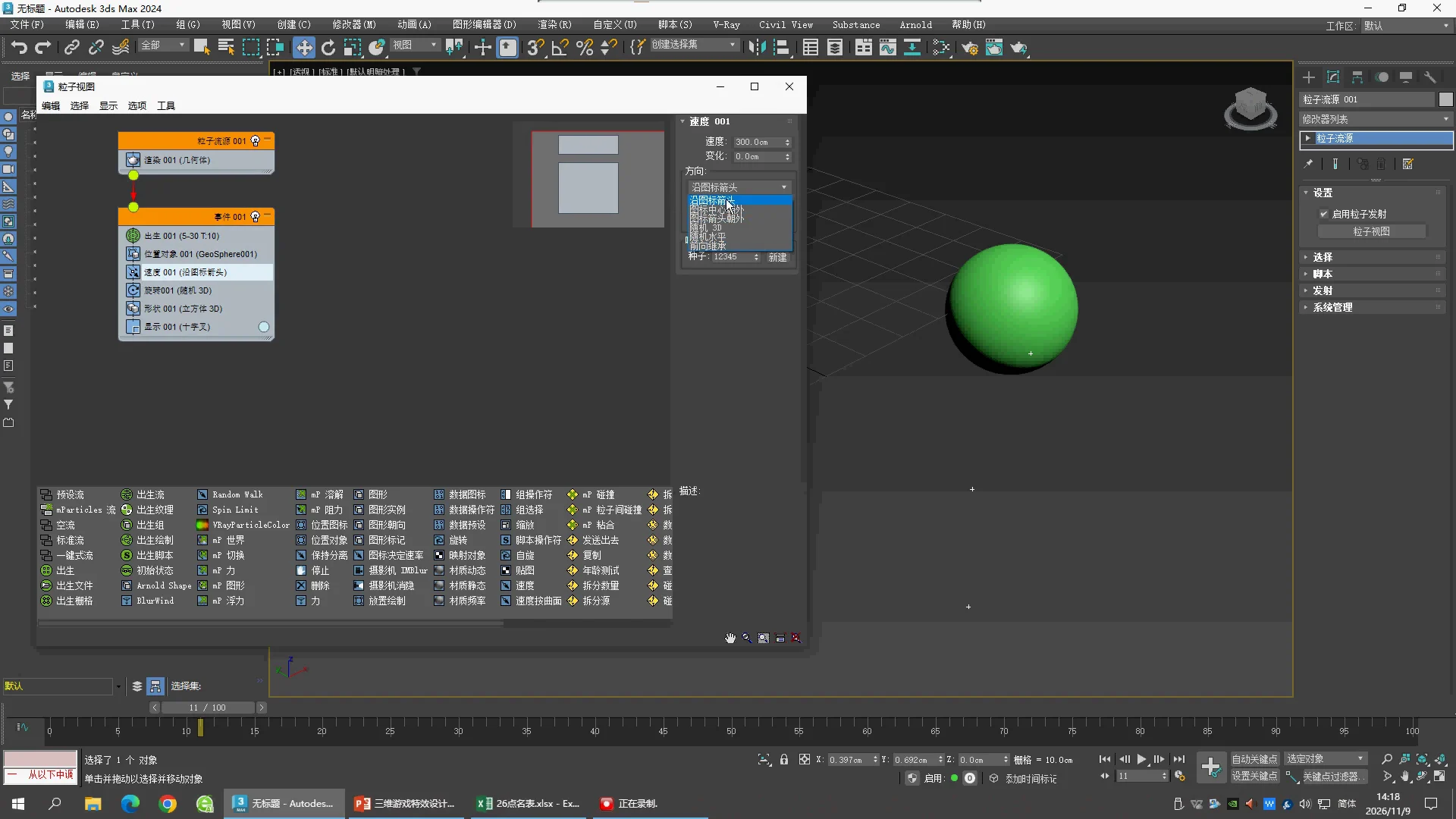
- 选择 Speed,试 Direction、Reverse、Divergence。先看 Front 视图,确认粒子究竟往哪个方向走。
- Rotation 控制朝向;Shape 控制实际几何形状;Display 控制视口显示方式。把 Display 改成 Geometry 后才容易直接看出 Shape 的变化。
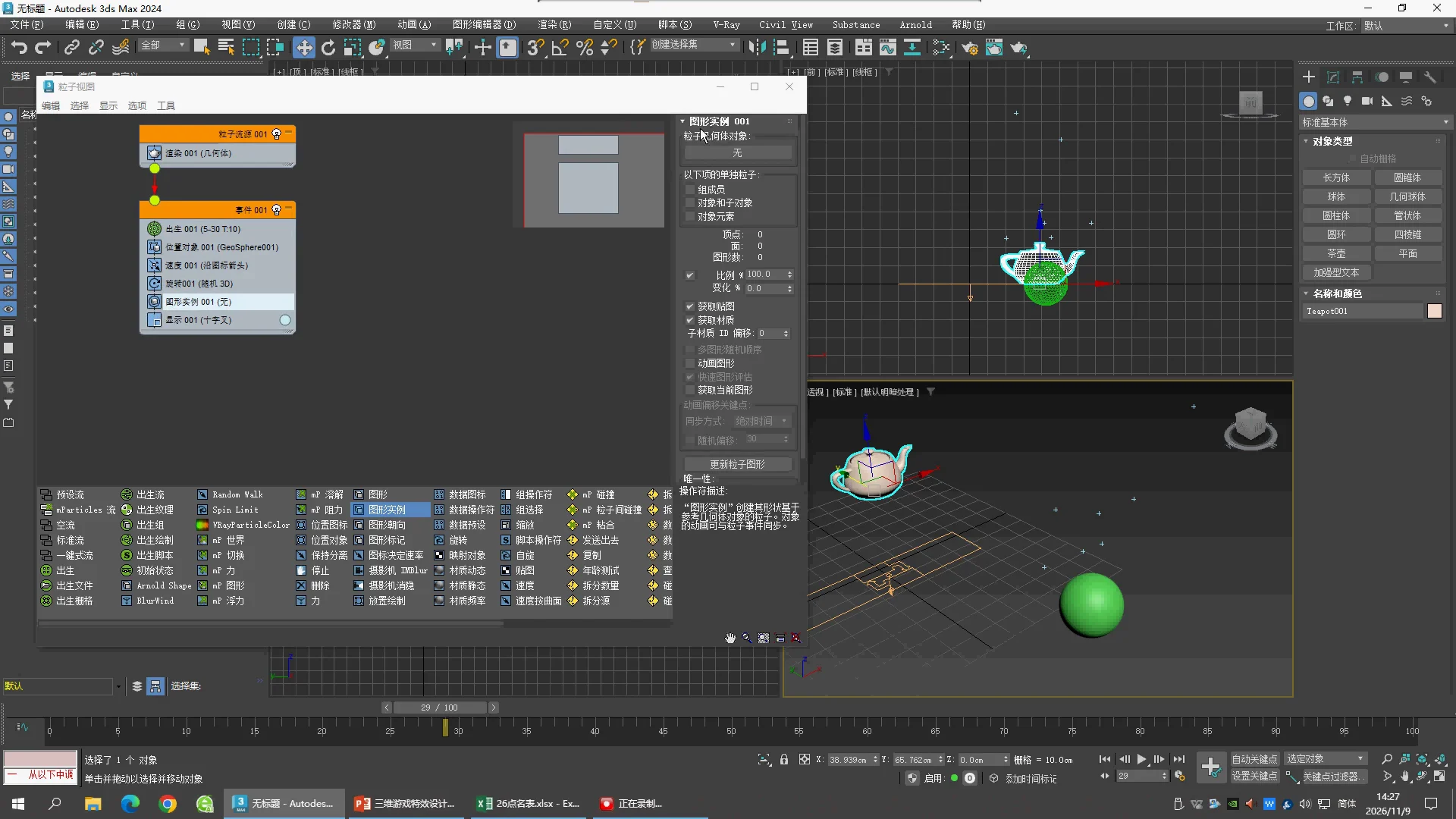
- 老师试过 Shape Instance 和 Teapot,但结尾回到 Shape 的 Torus 3D。要复制一个对象的形状,应在 Shape Instance 的 Particle Geometry Object 中明确选择对象。
Three settings that look similar
| Operator | Question it answers |
|---|
| Position Object | Where is a particle born? 粒子从哪个物体表面或内部出生? |
| Shape / Shape Instance | What geometry does it use? 每颗粒子长什么样? |
| Display | How is it shown in the viewport? 视口显示十字、点还是实际模型? |
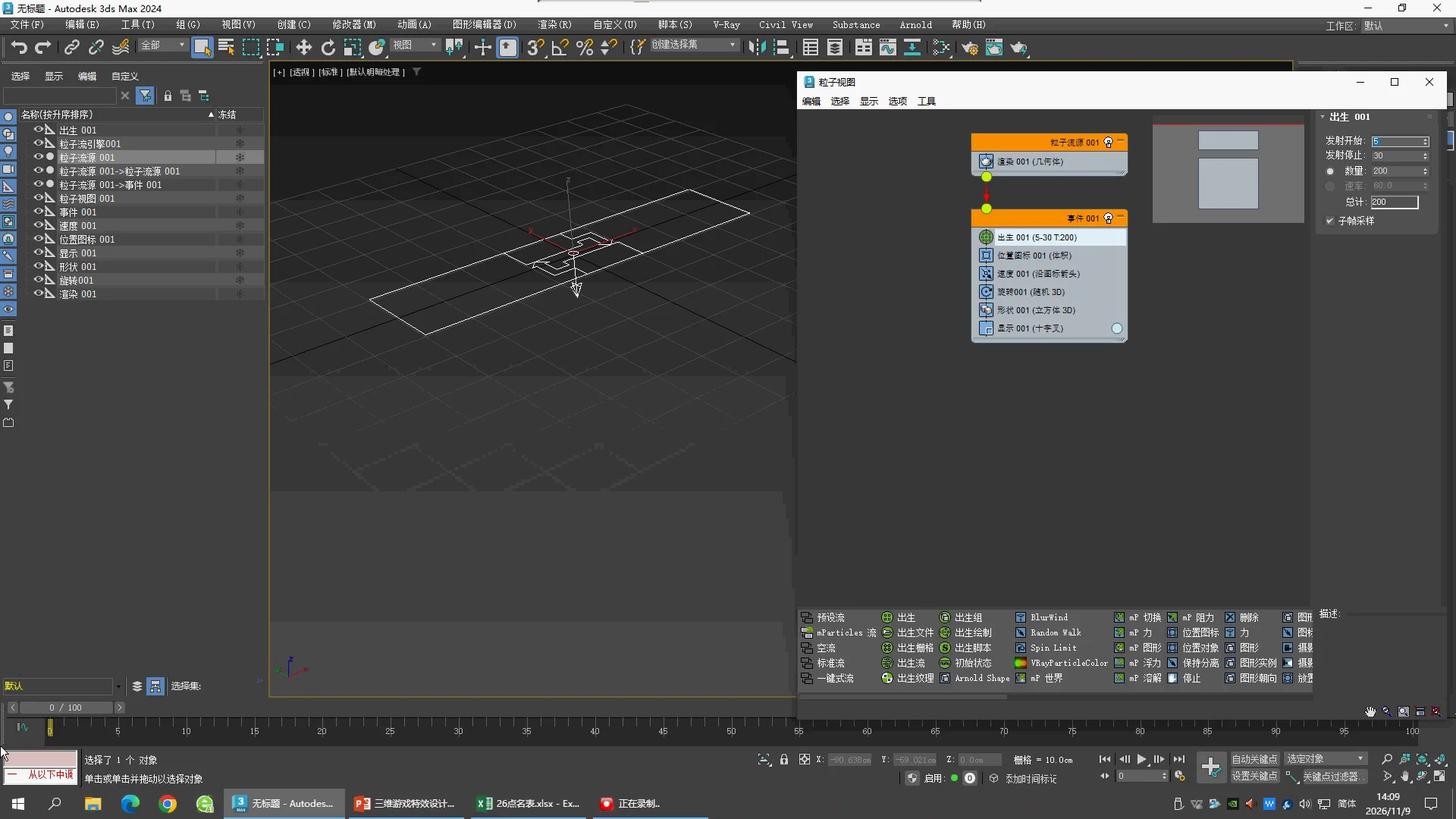
07:30 · Birth · Amount
Emit Start 5, Emit Stop 30, Amount 200。这是早期试值;后面改为 10。
09:30 · Birth · Rate
Rate 60.0,Total 51;老师正在演示 Rate 模式。不可把它和后面的 Amount 10 同时当最终设置。
14:30 · Position Object
用 Position Object 替换 Position Icon,点 Add 后选 GeoSphere001。此刻列表尚未完成选择;后续节点名称确认 GeoSphere001。
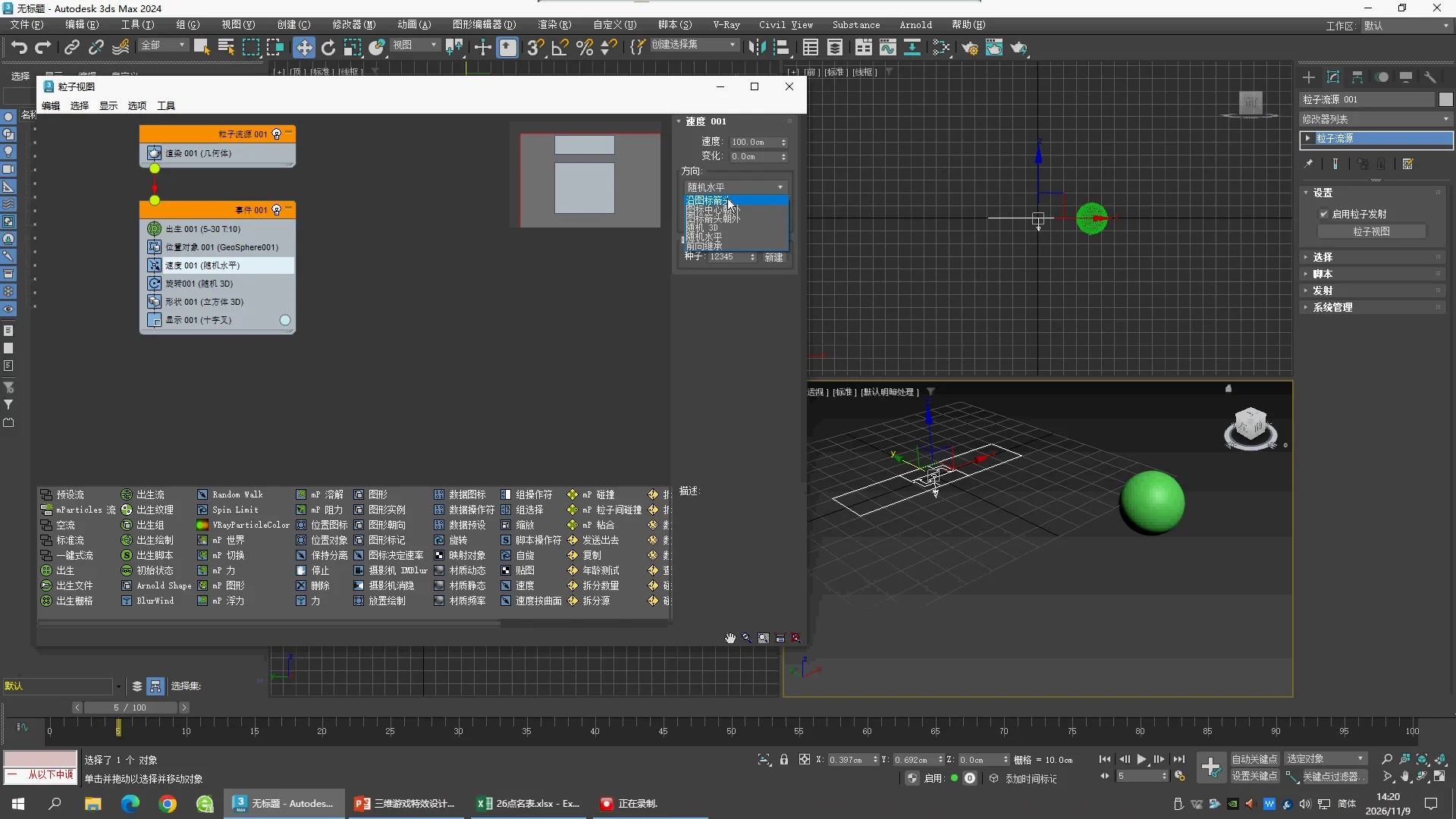
16:10 · Speed · direction choices
Speed 300.0 cm,Variation 0,正在展开 Direction。
17:50 · Speed · Random Horizontal
Speed 改为 100.0 cm,Direction 当前为 Random Horizontal,老师继续切换模式。
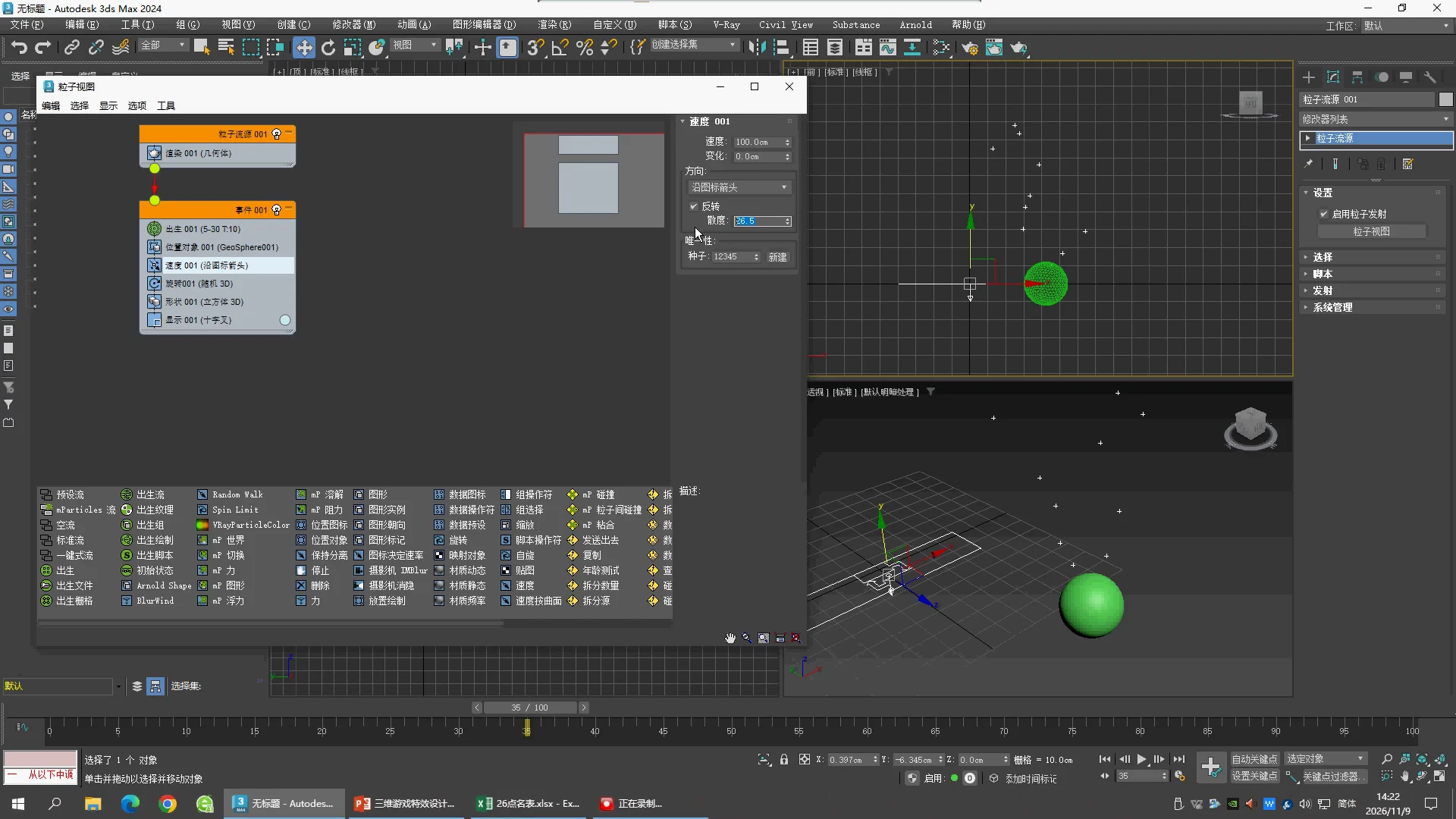
19:50 · Speed · Reverse and Divergence
Speed 100.0 cm,Direction Along Icon Arrow,Reverse 开启,Divergence 26.5,Seed 12345。
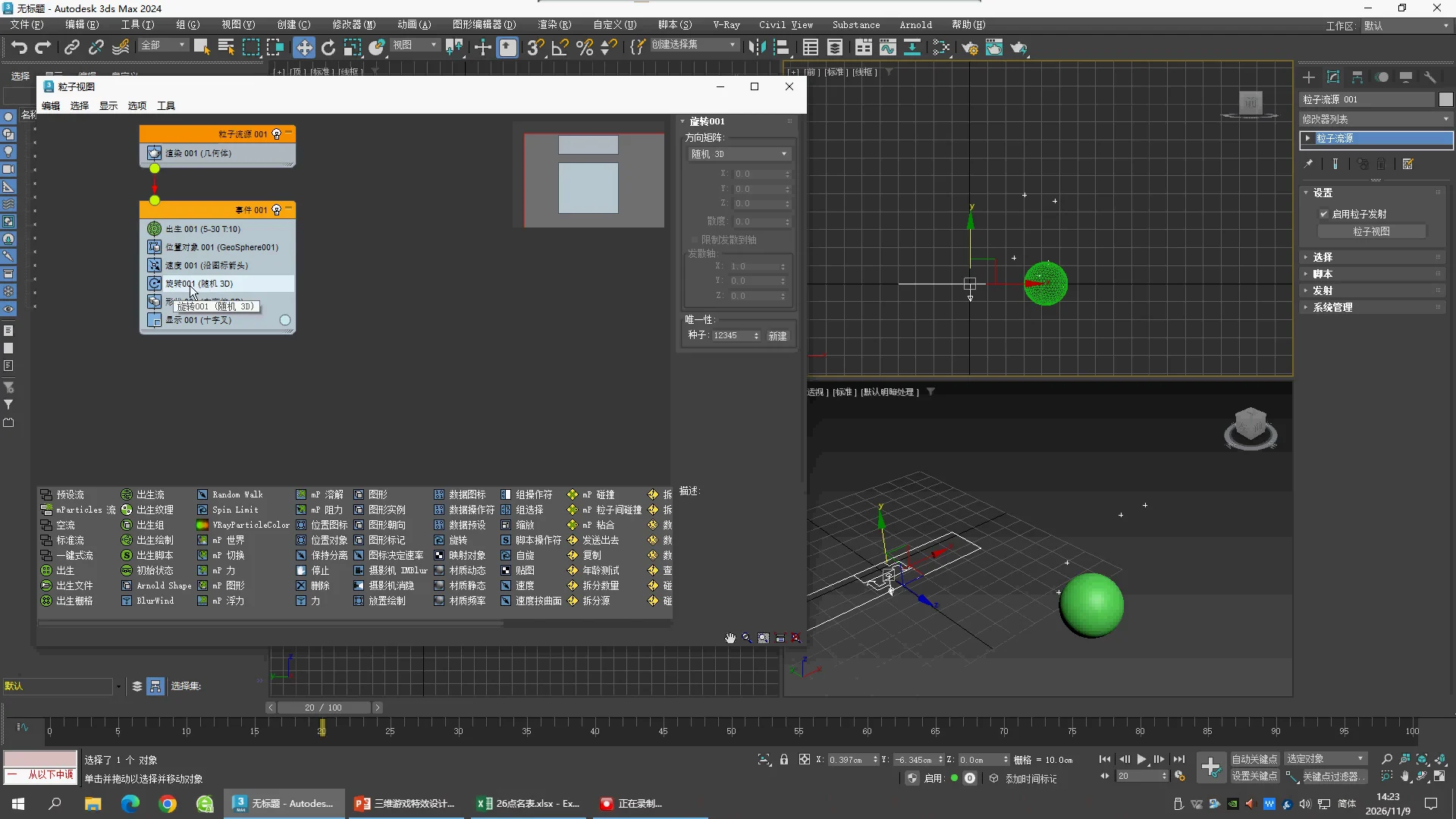
21:10 · Rotation
Orientation Matrix = Random 3D,Seed 12345。
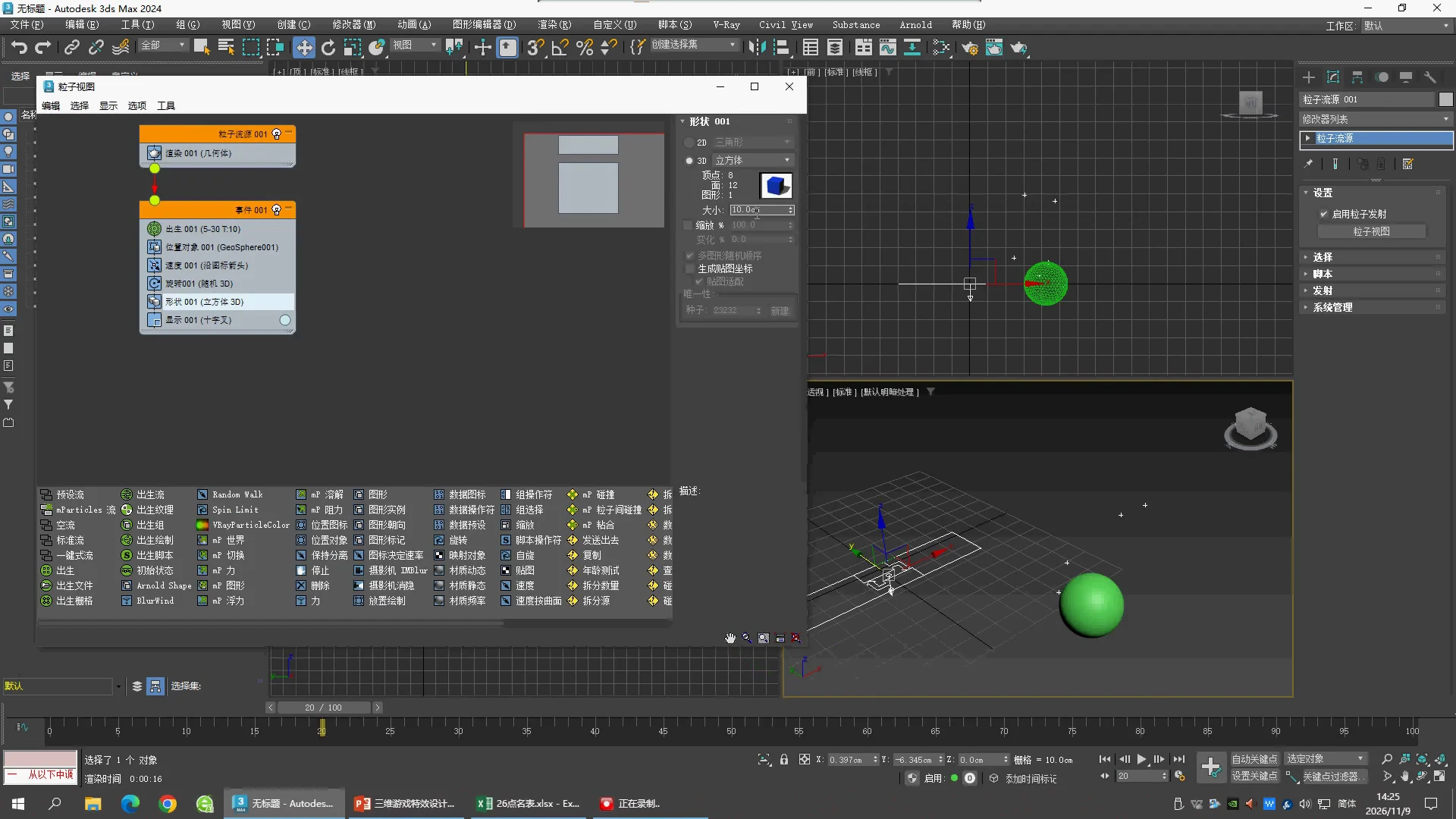
22:50 · Shape
3D Cube,Size 10.0 cm。视口仍是十字,Display 与真实 Shape 是不同设置。
25:10 · Shape Instance trial
老师添加 Shape Instance 并创建 Teapot;此帧 Particle Geometry Object 仍为 None,不能据此声称已绑定茶壶。
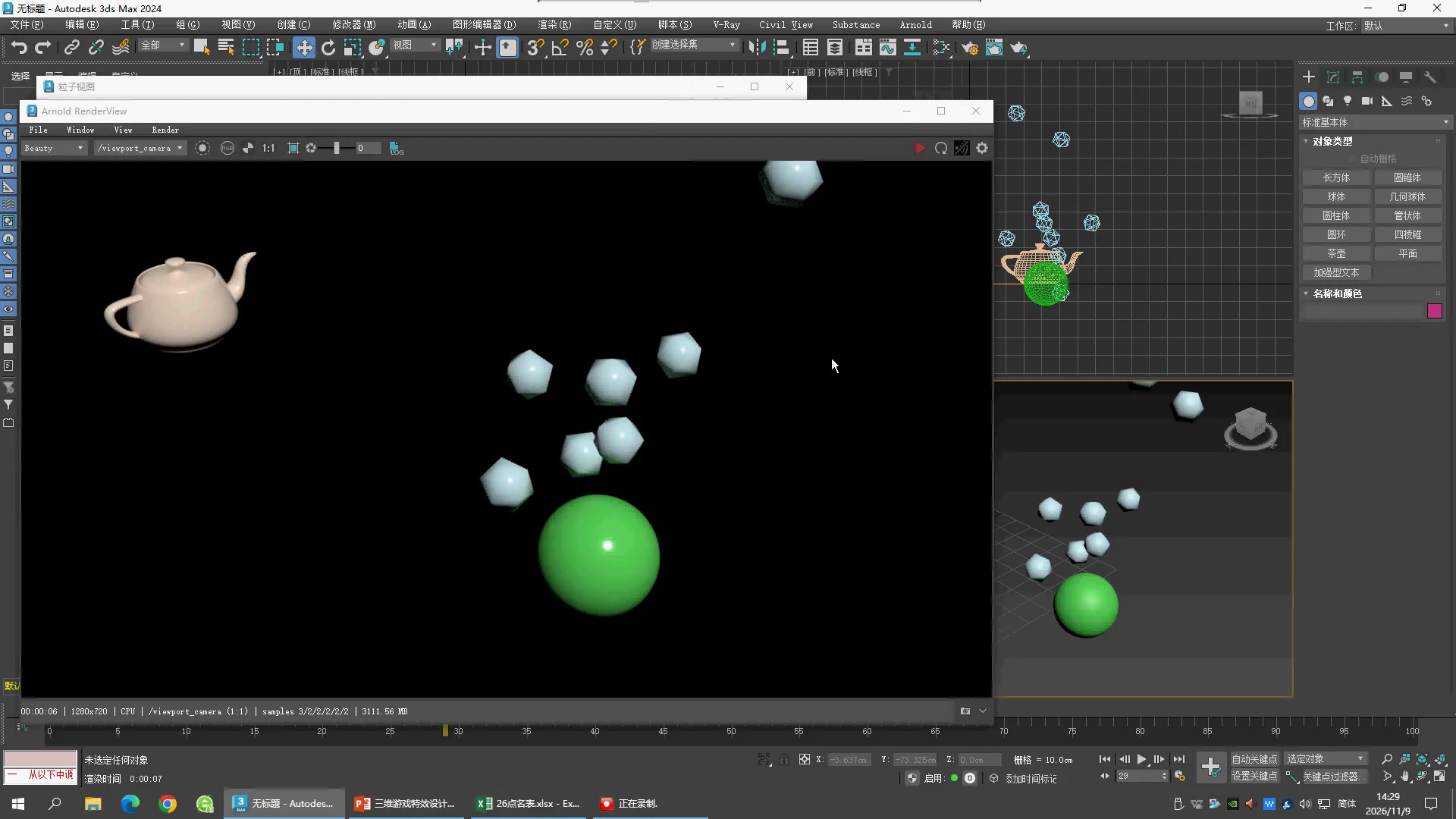
27:10 · Rendered shape trial
Arnold RenderView 显示球状粒子和单独茶壶。渲染分辨率 1280×720、CPU。
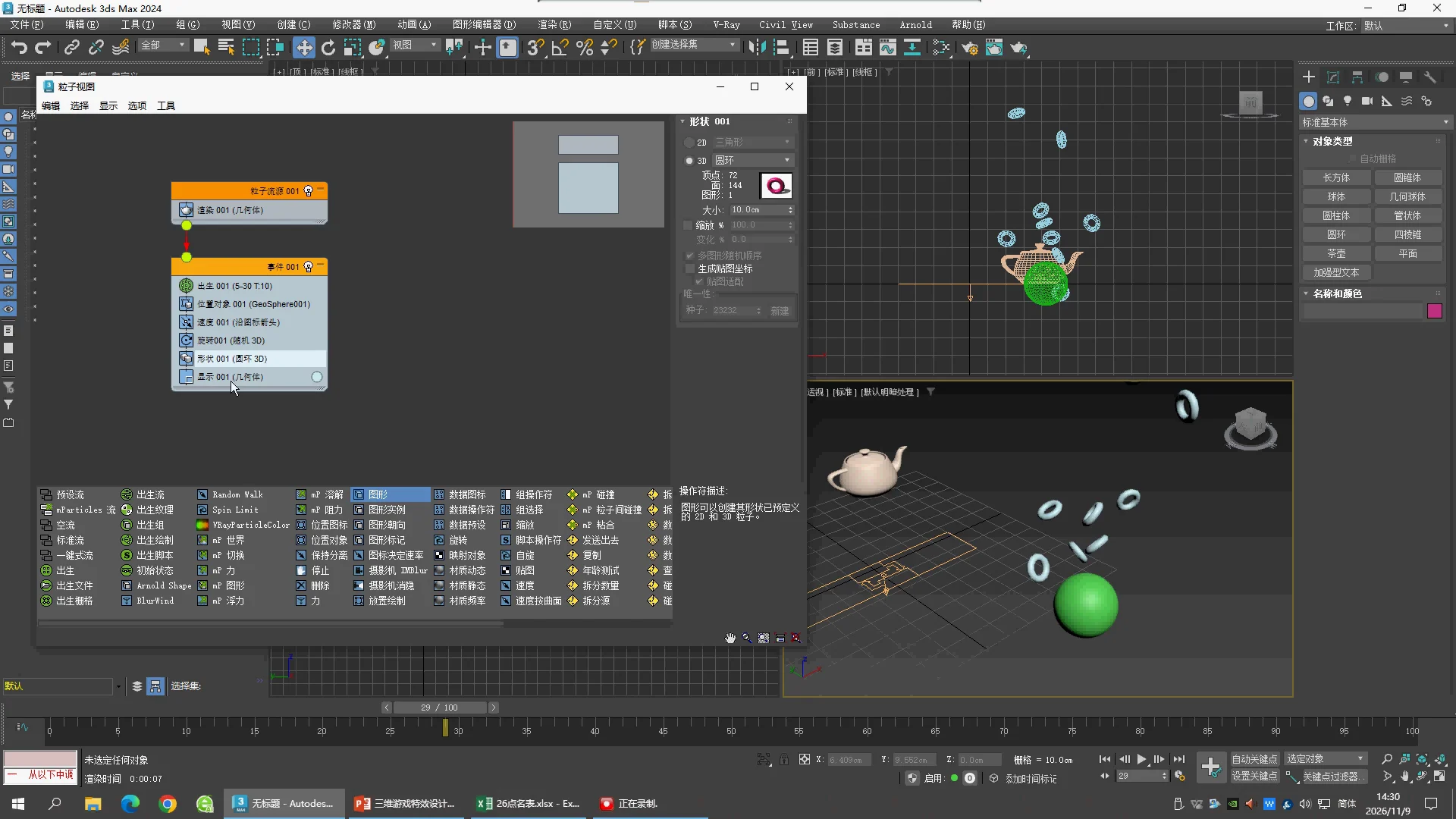
27:40 · Final Shape · Torus
3D = Torus,Size 10.0 cm;界面显示72 vertices、144 faces。Scale复选框关闭,Generate Mapping Coords关闭。灰色的Scale100与Variation0不应当作正在使用的随机缩放。Display = Geometry;茶壶仍为独立对象。
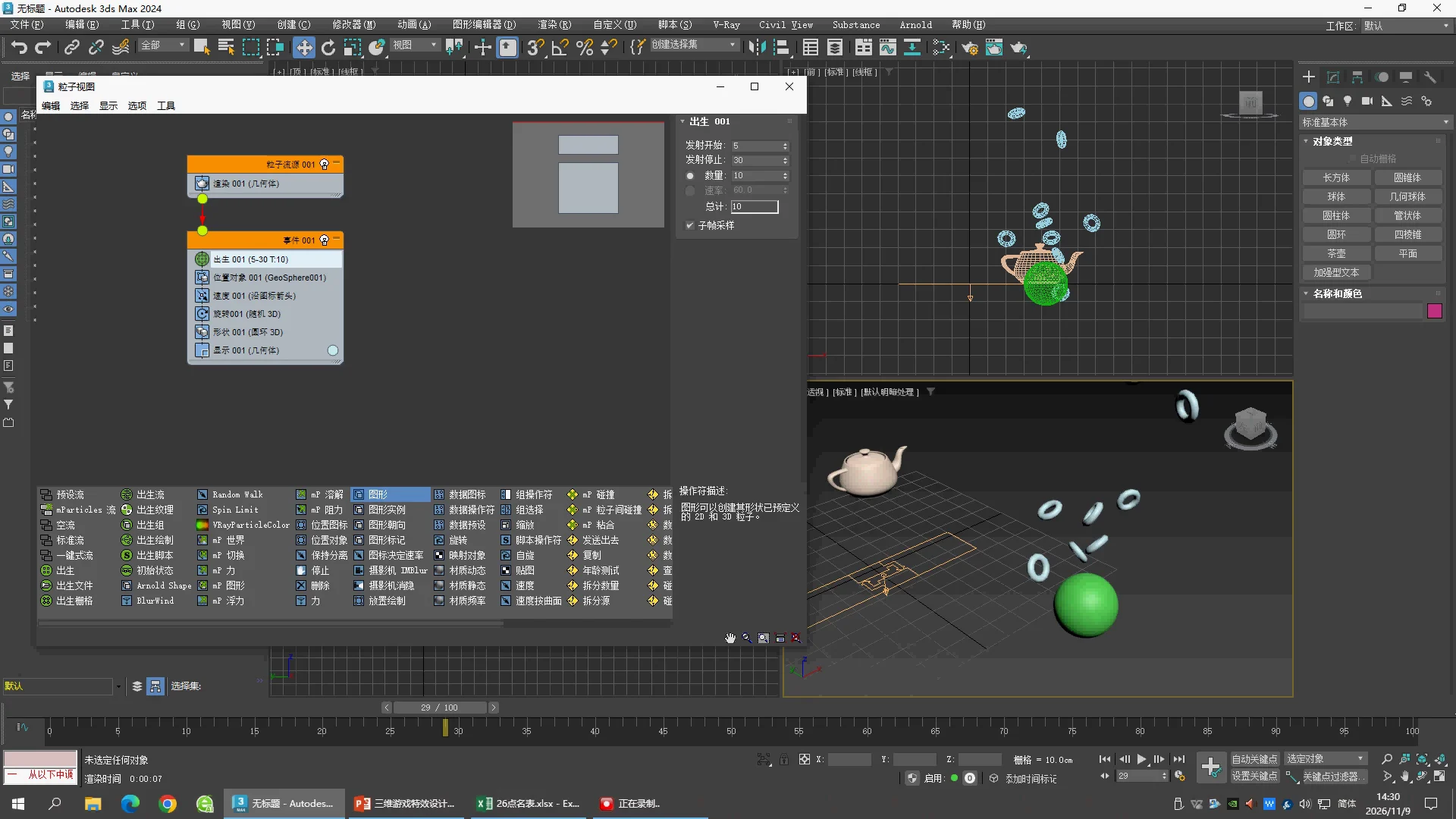
27:50 · End of lesson
Birth 5–30,Amount 10;Position Object = GeoSphere001;Shape = Torus 3D;Display = Geometry。结尾并不是茶壶实例粒子。
下一课继续核对 Shape Instance。当前页面提供源视频操作复习,不把补充雨滴练习误称为本课原工程。